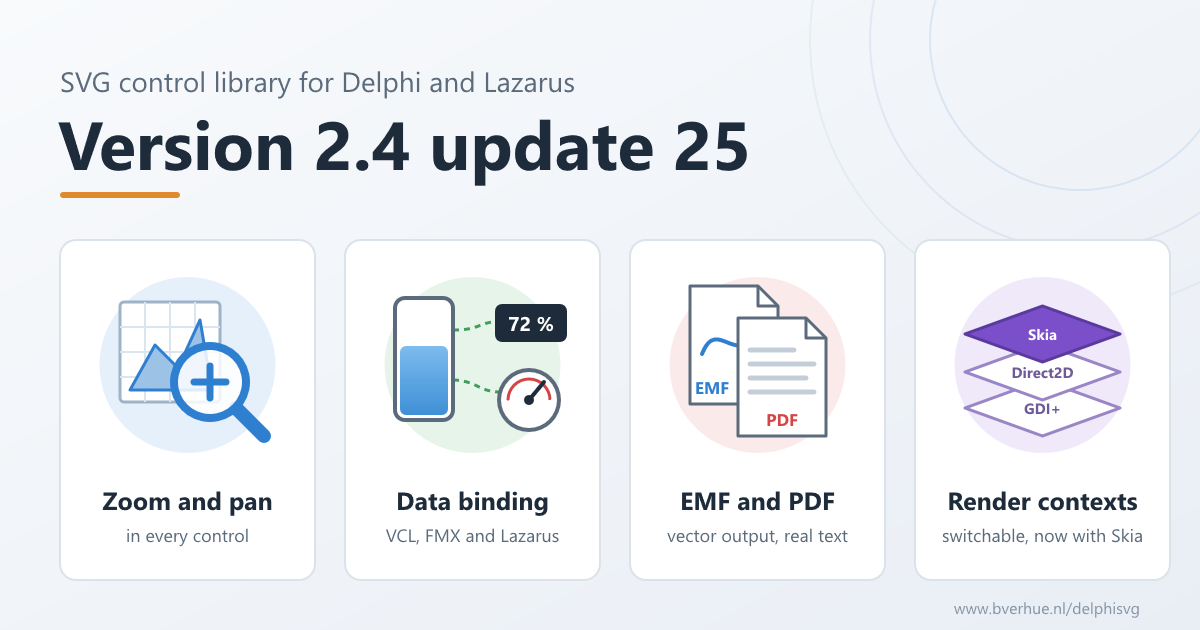
Update 25 of the SVG control library for Delphi and Lazarus is a large update containing many improvements and new functionality: drawings can now be zoomed, panned and bound to data in every control. Render contexts can now be switched within an application, for example use Direct2D to render to the screen or PDF and GDI+ to render to EMF. Rendering accuracy for all render contexts including the new Skia render context is significantly improved. This post walks through the most important changes. The complete list is in the change log.
Zoom and pan integrated in SVG controls

Every control can now be zoomed and panned with a few properties and methods. Set ZoomFactor in the Object Inspector, let users zoom with the mouse wheel and drag to pan, or call ZoomToFit, ZoomToRect and ZoomToElement from code. ClientToSVG and SVGToClient convert between mouse and drawing coordinates, and OnViewChanged tells you when the view changes.
Clip paths, masks, group opacity and filters render correctly at any zoom level, and their offscreen buffers are limited to what is visible, so zooming deep into a large drawing stays fast. The same works on VCL, FireMonkey and Lazarus.
Lines drawn with vector-effect: non-scaling-stroke keep the same width on screen at any zoom, as in a browser. FreeCAD and Inkscape write it for hairlines, so the thin lines of a technical drawing stay thin when you zoom in, instead of growing into bars.
Zoom and pan in the guide · Examples: ZoomAndPan (VCL, VCL with TSVG2WinControl, FMX and Lazarus)
Data binding in every control
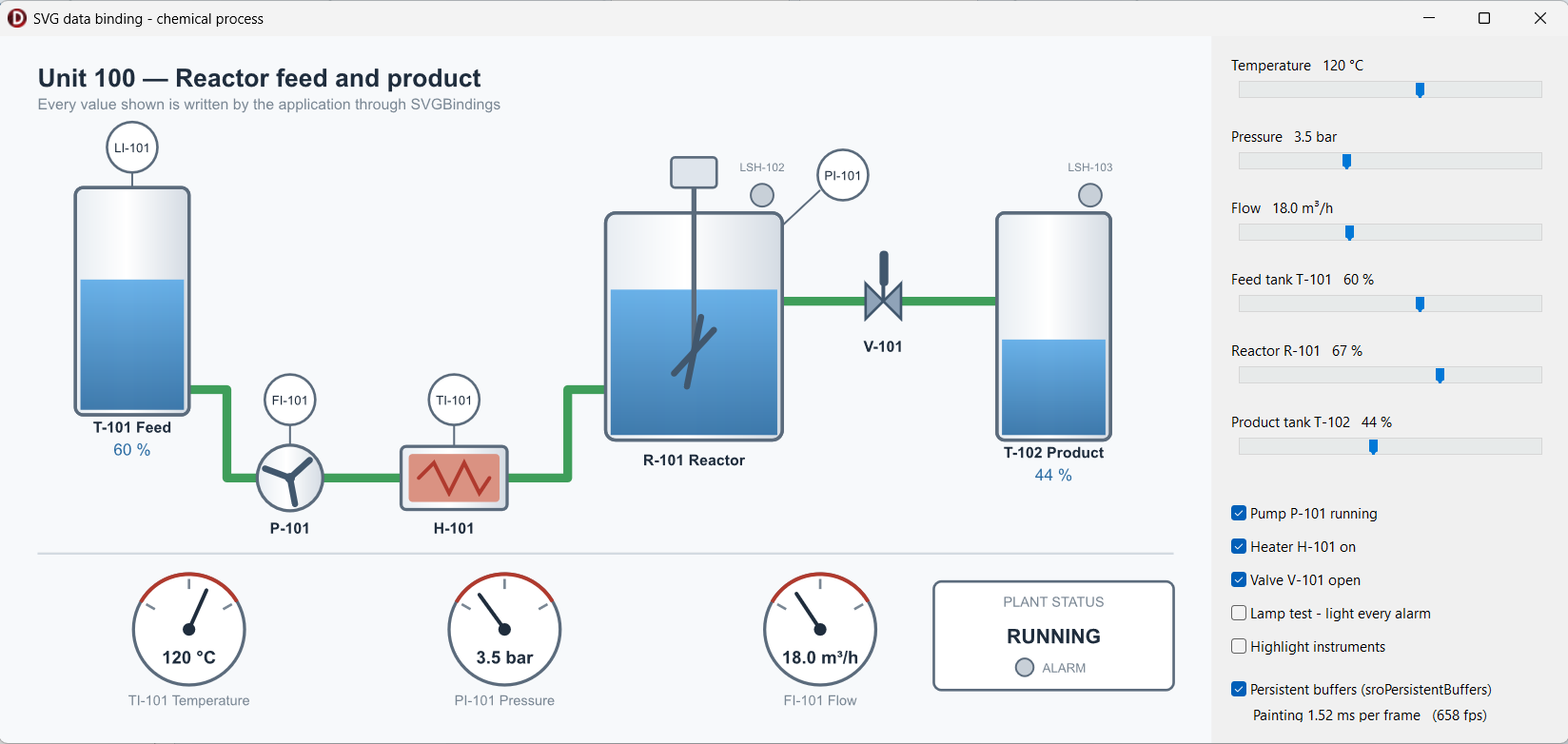
Data binding used to be a separate add-on control. It is now part of the core package, and every control on VCL, FMX and Lazarus has a SVGBindings collection. A binding selects elements by id, tag, class or attribute and writes an attribute or the text content: a valve turns red when it closes, a label shows the latest reading. Bindings are set up in the Object Inspector or from code, and survive loading another drawing.
New functions FindElements, FindElementsByTag, FindElementsByClass and FindElementsByAttribute find the elements you want to change from code.
Data binding in the guide · Finding elements · Examples: DataBinding, ExamplesFromDoc (finding elements)
Hit testing follows the SVG specs more closely
Hit testing was reworked so that ObjectAtPt and the SVG mouse events use one and the same test, and it now follows the rules of a browser: hidden elements, pointer-events=”none” and clipped-away parts are not hit, the whole width of a stroke is, and shapes filled with a gradient or pattern, lines and images can be clicked. Text is hit on its character cells instead of on the ink of each glyph, so a click between two letters still counts.
Hit testing · SVG events · Examples: Events, ExamplesFromDoc (element under the mouse pointer)
EMF, PDF and print output
- EMF export from any build. The new unit BVE.SVG2ExportEMF.VCL writes a vector EMF file for Word, Excel, PowerPoint and report tools, while your screen keeps rendering through Direct2D. Text can be written as real text or as paths.
- Draw into an existing canvas. SVGRenderToCanvas draws a drawing into a rectangle of a canvas that already has content, such as a report band or a grid cell. On a printer or metafile canvas it stays vector graphics.
- Real size. SVGRenderAtRealSize prints a drawing at its real size: width=”100mm” prints 100 mm wide. SVGRenderToBitmapDpi does the same for bitmaps at a given resolution.
- Unattended PDF. CreatePrintJob takes an output file name, so a PDF or XPS file can be written without the save dialog, for example from a service.
- Better PDFs. Text in a PDF stays selectable and searchable and keeps the exact position of every character. Filters, masks and clip paths on a print page are rendered at printer resolution instead of at 96 dpi.
EMF · PDF · Printing · Examples: RenderToEMF, PrintPreview (VCL, FMX and Lazarus)
Switch render contexts within an application
A document can now render through a different render context for a single pass, for example to EMF through GDI+ while the screen renders through Direct2D, without recompiling. The font system can be chosen at run time too, and a project can pick its own render context and font system with one define, without editing the package’s settings files.
Choosing a render context · Example: RenderToEMF, which writes EMF through GDI+ from a Direct2D application
Fully developed Skia render context
The Skia graphics library can now be used as a render context, with VCL and with FireMonkey on Windows and macOS. Of all render contexts it is the closest to what a browser shows. TSVGPrintJobSkia writes a PDF with selectable text directly through Skia, without a printer driver.
More SVG and CSS
- mix-blend-mode with all sixteen blend modes, and paint-order
- CSS custom properties, var() and light-dark(), !important and :root
- vector-effect: non-scaling-stroke, for lines that keep their width at any zoom
- mask-type, dominant-baseline and alignment-baseline, hsl() and hsla() colours
- Font substitution: a font that is not installed is replaced by one with the same widths, for example Helvetica by Arial
- Fixes for drawings from Visio and Figma, and for several filters
To see how your own drawings render, open them in the Viewer (VCL, FMX and Lazarus), or the ready-built Win64 viewer on the demo page.
Also improved
- Path metrics: a path can be retrieved flattened to line segments, and every backend measures path length the same way.
- Documents saved from code are valid XML in all cases, and changing class or id from code re-applies the style sheet.
- OnParseError on all controls tells the application when a drawing fails to load.
- The parser and render threads are safer, and the package works in DLLs and threads without COM errors.
- The Lazarus package compiles out of the box again, loads resources over http and https, and has the same zoom, pan and binding features as VCL.
New online documentation
The old single-page manual has been replaced by an online guide and API reference: practical sections on loading drawings, changing them, making them interactive, getting output and shipping your application, plus a reference for every interface in the library.
Upgrading
A few changes can affect existing code: the separate binding control was removed in favour of the bindings in every control, ObjectAtPt no longer returns hidden or clipped elements, and GDI+ print pages now work in 1/96 inch like Direct2D. The list, with what to change, is under “Breaking changes” in the change log and in Upgrading.
The new examples on GitHub show data binding, zoom and pan on VCL, FMX and Lazarus, and EMF export.
Update 26, released a day later, fixes an access violation when zooming into some drawings; it contains everything described here. License holders can download update 26 with their license key. To try it first, get the free demo.